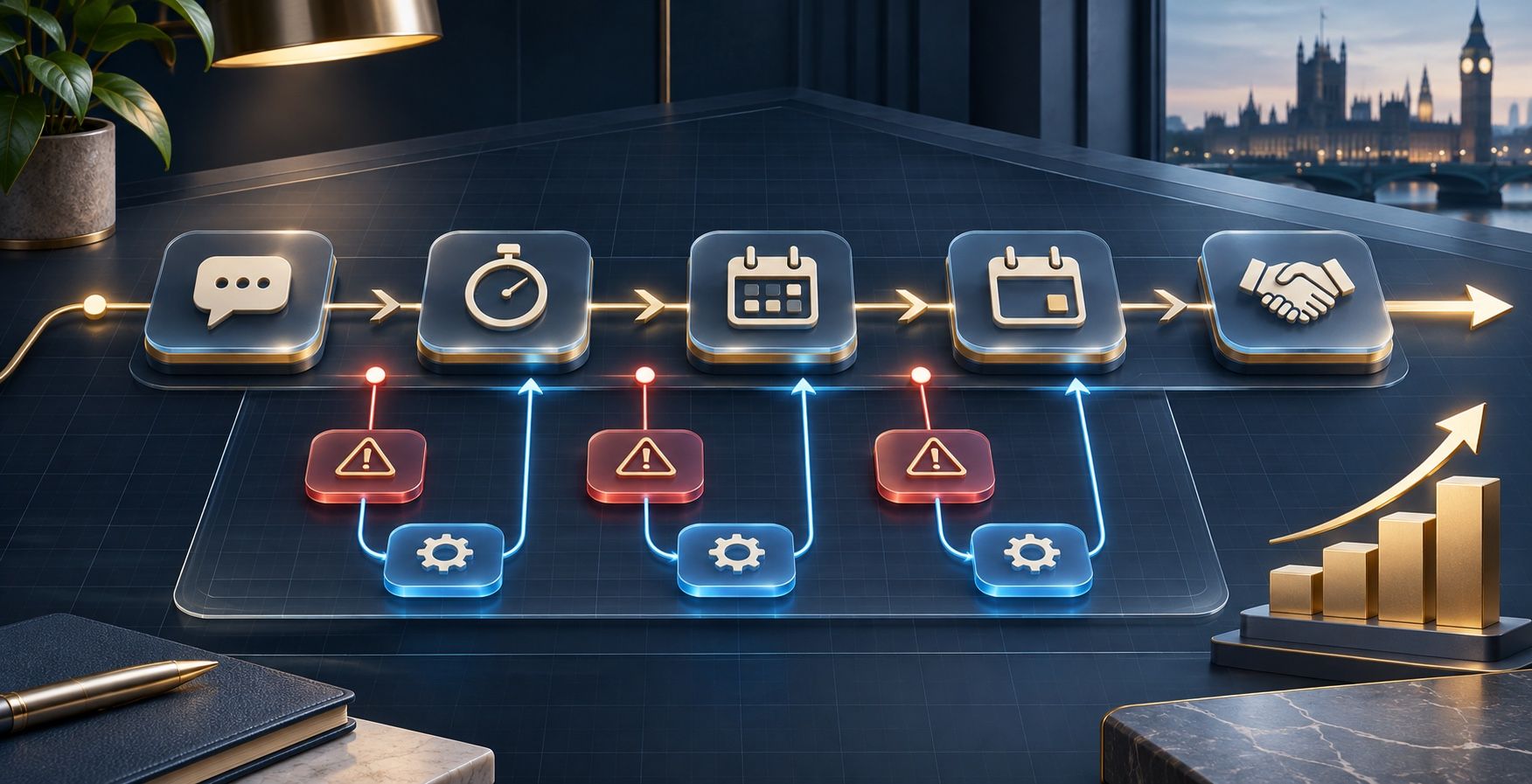
The best CRM for a small service business is the one that matches how enquiries are captured, assigned, followed up and converted. Start by defining the workflow and information the team needs, then compare software against those requirements—not the length of its feature list.
That sounds straightforward, but CRM buying often begins in the wrong place. A business sees a demonstration, imports a contact list and only later discovers that the software does not reflect how work is actually won or delivered. Staff continue using inboxes and spreadsheets, information becomes duplicated and the CRM turns into another system to maintain.
A better decision begins with the customer journey. Once the required stages, responsibilities and information are clear, software becomes much easier to assess.
What does a CRM actually do?
CRM stands for customer relationship management. A CRM system provides a shared record of prospective and existing customers, the conversations taking place with them and the actions needed next.
For a service business, its practical job is usually to answer five questions:
- Who has made an enquiry?
- What do they need and what information has already been collected?
- Which stage has the opportunity reached?
- Who owns the next action?
- When should that action happen?
The CRM may also support quotations, appointments, reminders, reporting, customer communication and handover into delivery. Those capabilities are useful only when they serve a defined process. A large feature set does not compensate for unclear ownership or poor data.
Does your business need a CRM yet?
A CRM becomes valuable when the volume or complexity of customer conversations makes informal tracking unreliable. If one person handles a small number of enquiries and can see every next step clearly, a well-maintained spreadsheet or task list may still be proportionate.
The case for a CRM becomes stronger when:
- Several people respond to enquiries or need access to the same history.
- Leads arrive through forms, calls, email, WhatsApp or referrals and are difficult to track together.
- Follow-up depends on memory.
- The business cannot see how many opportunities are open or why they are being lost.
- Customers repeat information because records are scattered.
- Handover from sales into delivery regularly loses context.
Software should solve a coordination problem that already exists. Buying a CRM simply because the business feels it has reached a certain size can create cost without improving the customer experience.
Map the process before comparing CRM software
Before looking at products, follow one real enquiry from discovery to delivery. Record what happens, who is involved, which information is needed and where delays or uncertainty appear. Do not map the process as it is supposed to work; map what people actually do.
A simple service-business journey might include:
- New enquiry received.
- Acknowledgement sent.
- Suitability and urgency assessed.
- Call, survey or consultation booked.
- Proposal or quotation prepared.
- Follow-up completed.
- Outcome recorded.
- Customer information handed into delivery.
For each stage, define the owner, required information, expected timescale and next action. This becomes the requirement against which every CRM is assessed. The lead and operations audit guide explains how to investigate that wider route before committing to a solution.
The essential CRM requirements for a service business
Requirements should be written in operational language rather than software language. “The office manager must see every unanswered website enquiry” is more useful than “real-time dashboard required”. It describes the result the system needs to produce.
Most small service businesses should consider the following areas.
Contact and enquiry records
The CRM should hold the customer’s details, source, requirements, consent where relevant and a useful history of communication. Records need to be easy to find and update without demanding excessive administration.
A pipeline that reflects real decisions
Pipeline stages should represent meaningful changes in the customer journey. Avoid creating a stage for every minor task. A team should be able to look at the pipeline and understand which opportunities need attention.
Clear ownership and next actions
Every live opportunity should have an owner and a visible next action. Assignments, reminders and overdue items should be obvious to the people responsible without generating constant irrelevant notifications.
Communication history
The team needs enough context to continue a conversation confidently. Decide whether email, telephone notes, forms, messaging and appointment activity need to be visible in one timeline, and which integrations are genuinely necessary.
Useful reporting
Reporting should answer decisions the business actually makes: how many suitable enquiries arrived, how quickly they were answered, where opportunities stalled and which routes produced customers. More charts are not automatically better.
Security and access
Consider who can view, edit, export and delete customer data. Access should reflect responsibilities. The business should also understand backup, data location, retention, account ownership and what happens if the service is cancelled.
Spreadsheet, lightweight CRM or complex platform?
The right level depends on the process, not the ambition of the sales demonstration.
Spreadsheet or structured tracker
Appropriate when enquiry volumes are low, ownership is simple and integrations are unnecessary. It is inexpensive and flexible, but permissions, activity history, reminders and reporting can become fragile as the business grows.
Lightweight CRM
Appropriate when the business needs shared records, a clear pipeline, tasks, basic reporting and a small number of connections. This is often enough for a focused service business and can be implemented without redesigning every internal process.
Broader CRM or business platform
Appropriate when several teams, services, locations or complex handovers need to share data and automation. The capability can be valuable, but implementation, configuration, training and ongoing ownership are more demanding.
Choose the smallest system that can reliably support the agreed workflow and near-term growth. Complexity can always be added later; removing it after a difficult implementation is much harder.
CRM features small businesses frequently overbuy
Feature lists are designed to make products look comprehensive. Many capabilities are useful in the right setting but unnecessary for a small team. Common examples include advanced sales forecasting, complex lead scoring, large campaign suites, extensive custom objects and automation across processes the business has not yet standardised.
Unused features still have a cost. They make configuration harder, create more choices for staff and can increase subscription charges as the team grows. Judge every feature against a real task, user or management decision.
CRM warning signs and hidden costs
Subscription price is only one part of the decision. Before committing, check:
- Pricing per user. A modest starting price can rise significantly when every team member needs access.
- Feature tiers. The integration or permission you need may only exist on a higher plan.
- Setup and migration. Existing contacts need cleaning, mapping and testing rather than simply uploading.
- Training and adoption. The system creates no value if the team does not understand when and how to use it.
- Ongoing administration. Pipelines, templates, users and integrations require an owner after launch.
- Data export. Confirm what can be exported, in which format and whether relationships and activity history are retained.
- Integration limits. A product may connect to another tool without supporting the exact event or information the workflow requires.
Be cautious when a demonstration cannot show your simplest real scenario from beginning to end. Attractive screens are not evidence that the workflow fits.
Questions to ask during a CRM demonstration
Use examples from your own business and ask the supplier to show the complete route. Useful questions include:
- How does a website enquiry enter the CRM and who is notified?
- How can we see enquiries that have not received a response?
- What happens when the usual owner is absent?
- Can we record calls, messages, appointments and documents against one customer?
- How are duplicate records identified and corrected?
- Which features shown today require a higher subscription tier?
- How do we export our records and activity history?
- What configuration and maintenance will remain our responsibility?
Prepare the data before CRM migration
A new CRM should not become a cleaner-looking copy of existing disorder. Before importing, identify the authoritative customer lists, remove obvious duplicates, agree field names and decide which historical information is still useful.
Do not move data simply because it exists. Retaining unnecessary personal information can create risk and make the new system harder to use. Migration should be tested with a representative sample before the complete import takes place.
The team should also agree how new records will be created after launch. Without a consistent entry process, data quality starts declining immediately.
Who should own the CRM internally?
A CRM needs a named business owner. That person does not need to be a developer, but they should understand the customer journey, resolve questions about process and coordinate changes.
Ownership includes maintaining users and permissions, reviewing data quality, updating stages when the business changes and deciding which requests genuinely improve the system. Without ownership, every team member gradually develops a different way of working.
Technology support may sit outside the business, but operational decisions should not. The organisation needs to understand what has been built and retain control of its data, accounts and process.
A practical CRM selection checklist
Before selecting a platform, confirm that:
- The current enquiry and customer journey has been mapped.
- The problem the CRM must solve is written clearly.
- Required users, permissions and responsibilities are known.
- Essential integrations have been tested against real scenarios.
- The pipeline stages reflect actual customer decisions.
- The team can see ownership and next actions easily.
- Reporting answers defined management questions.
- Migration, training and ongoing administration are included in the plan.
- The full cost at the expected number of users is understood.
- Data can be exported in a useful form.
If several of these remain uncertain, pause the product comparison and clarify the workflow first.
Frequently asked questions
How much does a CRM cost for a small business?
Costs vary by product, user count, feature tier, setup, migration and support. Compare the full first-year cost and the expected cost as the team grows, not only the advertised entry price.
Can a spreadsheet work as a CRM?
A spreadsheet can track a simple process with low enquiry volumes and clear ownership. It becomes less suitable when several people need activity history, reminders, permissions, integrations or reliable reporting.
How long does CRM implementation take?
A focused implementation can be relatively quick when the process and data are already clear. Complex pipelines, poor source data, several integrations or multiple teams require more discovery, testing and training. Agree the implementation scope before selecting a launch date.
Should the CRM connect to the website?
Usually, if the website is an important enquiry source. The connection should capture the required information, preserve consent and source data, assign responsibility and support a timely acknowledgement. The wider principle is covered in CRM, WhatsApp, Email and Follow-up Need to Work Together.
Will a CRM improve follow-up automatically?
A CRM can make next actions visible and trigger appropriate reminders or messages, but the business must first define the follow-up process. Software cannot decide what good follow-up means without clear rules and ownership.
What is the best CRM for a service business?
There is no universally best platform. The right choice depends on enquiry routes, team size, services, workflow, integrations, reporting needs and the ability to maintain the system. A requirements-led comparison is more reliable than a generic product ranking.
Choose the process before the platform
A CRM should make the customer journey easier to see and easier to manage. The best result is not the system with the most features; it is the system the team can use consistently to give customers a clear, timely experience.
If the enquiry process is unclear, begin with a Lead & Operations Audit. If the requirements are established and the business needs a connected implementation, explore Clear Cut Creative’s Automation Systems. Both routes start with the work the business actually needs rather than a predetermined software product.
Start a conversation if you want help mapping the workflow, defining CRM requirements or deciding whether a new system is necessary at all.